How to Focus When Your Phone Is in the Room
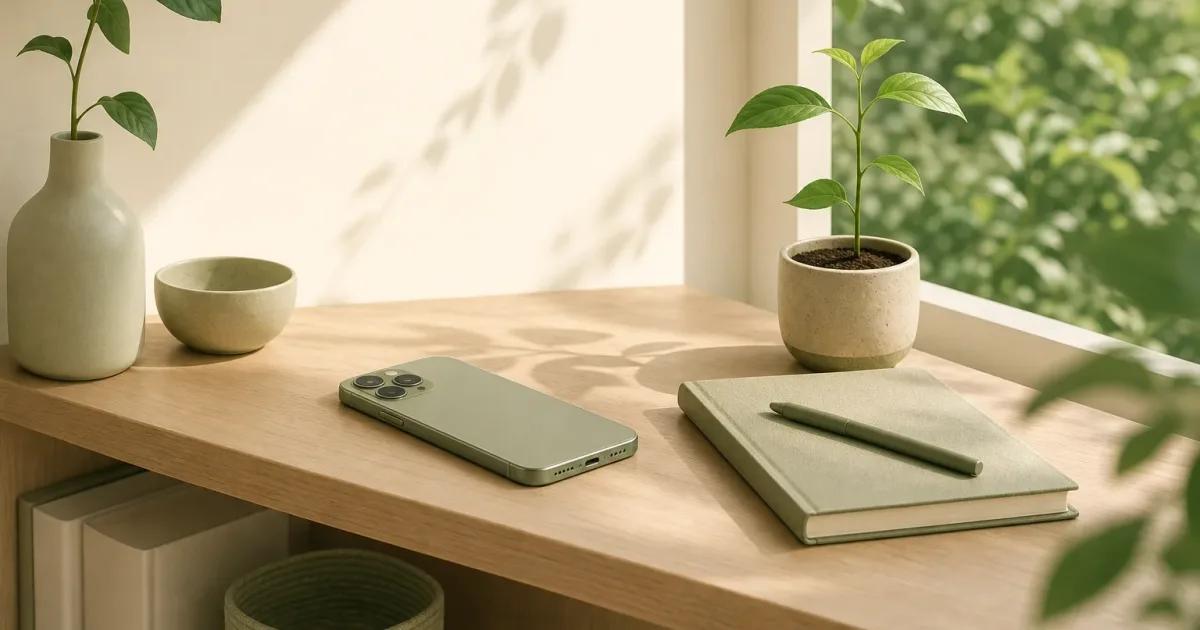
How to focus with phone nearby: put it out of sight and farther away when possible, since distance matters more than a face-down screen at your work desk.
How this was written: drafted with an AI model from sources the author chose and checked; last reviewed Oct 3, 2026.
Part of the digital wellbeing guide: what to do with the time you get back from your phone.
To focus with a phone nearby, move it out of your line of sight and as far from your work spot as your responsibilities allow. If it must stay close, give it a specific place, reduce what can pull you into it, and decide in advance when you will check it.
In short
- Ward and colleagues found that participants with their own phones in another room performed better on measures of available cognitive capacity than participants with phones on the desk.
- Putting a phone out of sight was not the same as putting it farther away: the study’s strongest comparison was between a phone on the desk and a phone in another room.
- A workable phone boundary keeps you reachable for what matters while making an unplanned check less automatic.
Does a phone nearby make it harder to focus?
A phone can be a distraction even when it does not buzz and you do not pick it up. In the Brain Drain paper by Ward, Duke, Gneezy, and Bos, participants completed cognitive tasks with their own phone on the desk, in a pocket or bag, or in another room. The researchers reported lower available cognitive capacity when the phone was more salient.
That is useful because it shifts the question. You do not have to prove that you are constantly checking your phone before changing where it sits. If the desk is where you read, write, plan, study, or solve a problem, the phone is another object competing for a little of your attention.
This is not an argument for treating phones as bad. They are calendars, cameras, maps, tickets, security keys, and a way for people who matter to reach us. The practical goal is simpler: make the phone useful on purpose and less likely to become the default thing your hand reaches for between thoughts.
What did the Brain Drain study actually measure?
The study measured performance on tasks intended to reflect available working memory capacity and functional fluid intelligence, not whether participants felt focused or got more done at a real job. In a second experiment, it also used a Go/No-Go task, a behavioral measure of sustained attention. The phone-location conditions did not affect that sustained-attention measure, even though location was associated with the cognitive-capacity measures. Read the methods and results in the original paper.
That distinction matters. “Focus” is a broad everyday word. The paper did not measure a full workday, creative output, grades, relationships, sleep, or long-term habits. It also did not show that every person will notice the same effect in every setting.
The study also does not say that notifications are harmless. Its point was narrower: the location effect remained when the phone was not being used, and in the second experiment turning the phone off did not change the relevant result. A ringing phone, a message preview, and an open feed create different kinds of interruptions that this experiment was not designed to settle.
Does visibility matter more than distance?
Distance is the better first lever, while hiding the screen is a smaller and less certain adjustment. The researchers compared a phone nearby and in sight, nearby and out of sight, and in another room. The results showed a pattern from desk to pocket or bag to another room, but the pocket-or-bag condition was not significantly different from either end condition in the individual comparisons. See the study’s reported comparisons.
That means you should be careful with a popular shortcut: turning a phone face down may make the desk look calmer, but it does not create much distance. The paper’s overall pattern was robust whether the desk phone’s screen faced down in one experiment or up in another. It is reasonable to clear the visual cue, but do not mistake that for a full boundary.
The honest answer is that the study did not isolate visibility and distance as completely separate switches. A phone in a bag is both less visible and physically less immediate than a phone on a desk. Still, if you can change only one thing, move it away from the place where you are trying to think.
How can I focus when my phone has to stay close?
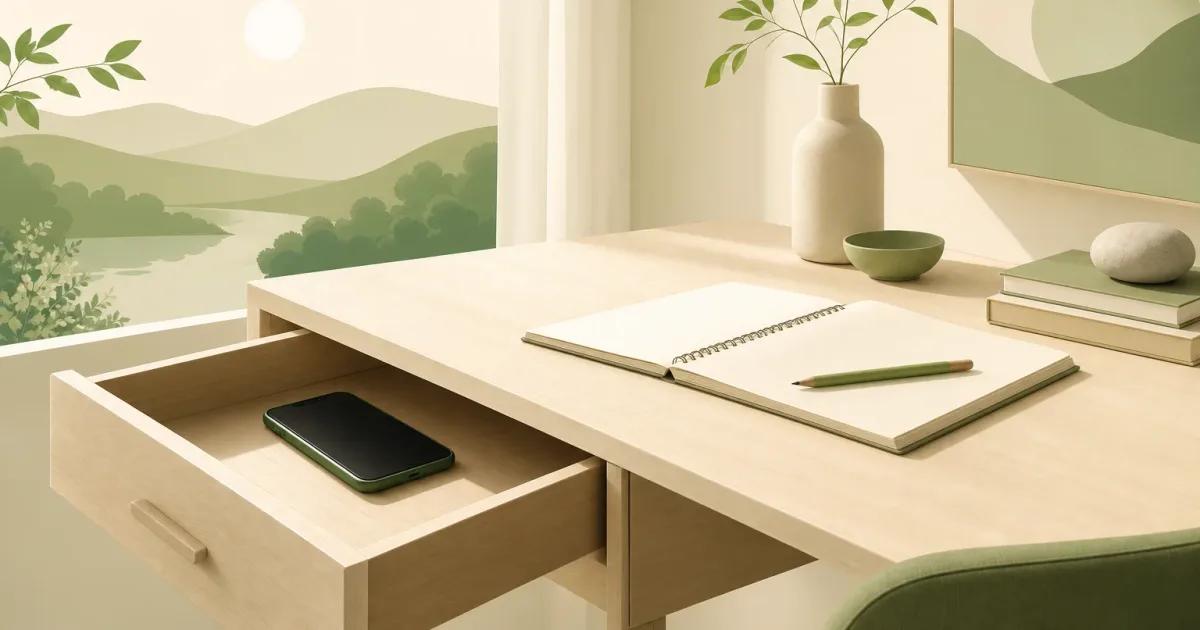
Give the phone a job and a parking place before you start. If you need it for calls, authentication, deliveries, family coordination, or a work message, keeping it in another room may be unrealistic. In that case, put it somewhere that is available but not part of your working surface, such as a bag, a drawer, or the far end of the room.
Here is one concrete thing to do today, with no app required. Before your next task, write the task on paper in a short sentence. Put your phone in a bag or drawer behind you, leave sound on only for people or alerts you truly need, and start the task before you touch the phone again. When you finish a natural stopping point, walk over and check it deliberately rather than bringing it back to the desk.
The paper note matters because moving the phone creates a small gap. You want to know what you are returning to after a call, a message, or a quick check. A visible next action, such as “finish the outline” or “reply to the client,” makes that return less dependent on memory.
If you find yourself retrieving the phone without a clear reason, do not turn it into a character judgment. Notice the sequence instead: a hard sentence, a pause, a reach, an unlocked screen. Our guide to how to stop checking your phone so much has more ways to change that sequence without pretending that you can remove every urge.
When should I use iPhone settings or an app?
Use the smallest boundary that addresses the actual problem. If distance is enough, no app is necessary. If you mainly lose time to alerts, a notification cleanup can be more useful than a blocker, and our notification audit is a practical place to start.
Apple’s built-in Screen Time can be a sensible choice when you want scheduled limits and you are comfortable managing them yourself. A paper list, a charger across the room, or a Focus mode can also be enough when the problem is simply that the phone has become part of the desk.
A blocker makes more sense when the problem happens at the moment a particular app opens. Rather than relying on memory after the feed is already in front of you, screen time blocking can put a pause before the app. That will not replace a clear task or a phone parking place, but it can help make the opening a decision instead of a reflex.
There is no need to make every phone use difficult. Keep the tools you need easy to reach, then add friction around the apps and moments that regularly pull you away from what you meant to do. That is the basic idea behind digital wellbeing: use technology with boundaries that fit the life you actually have.
If an app-opening pause suits your work, Champ shields the apps you choose and gives you a reset before the everyday decision to continue.
Frequently asked questions
Does putting my phone face down help me focus?
Should I turn my phone off while I work?
What if I need my phone nearby for work or family?
Do I need an app to focus with my phone nearby?
Sources
- Adrian F. Ward, Kristen Duke, Ayelet Gneezy, and Maarten W. Bos. (2017). Brain Drain: The Mere Presence of One’s Own Smartphone Reduces Available Cognitive Capacity. Journal of the Association for Consumer Research
Screen time guides and tools
One idea about screen time, every two weeks.
The Pause: a short note from the person who builds Champ. Occasional, not daily. Unsubscribe any time.