How to Stop Using Your Phone While Studying
How to stop using phone while studying: choose one task, move your phone out of sight, and block distractions for the full study block without willpower.
How this was written: drafted with an AI model from sources the author chose and checked; last reviewed Nov 11, 2026.

Part of the digital wellbeing guide: what to do with the time you get back from your phone.
Put your phone in another room, decide when the study block ends before you begin, and allow only the app you truly need. If you need your phone for music or class materials, block everything else for the whole block instead of trying to negotiate with yourself mid-task.
In short
- A study block needs a clear task and a clear end, not an open-ended promise to focus.
- Put the phone out of sight and out of reach before you open your notes.
- Keep one necessary app available, then close the rest until the block ends.
Why is it so hard to stop using your phone while studying?
Studying gives your phone a very specific job: it becomes the quickest available relief when the reading gets dull, the problem gets hard, or you are unsure where to start.
That does not mean you lack discipline. A study session often has one demanding task, a fixed amount of time, and no obvious break built into it. Your phone offers novelty without asking much of you, so reaching for it can become the default way to escape a difficult moment.
The useful move is to plan for that moment before it arrives. Decide what you are working on, what counts as done for this block, and what you will do when you want a break. “Review chapter notes and answer the practice questions” is easier to return to than “study biology.”
Keep the study task visible. Put the book, document, problem set, or outline in front of you before you begin. If the next action is obvious, there is less empty space for your hand to drift toward the phone.
Should I put my phone in another room while studying?
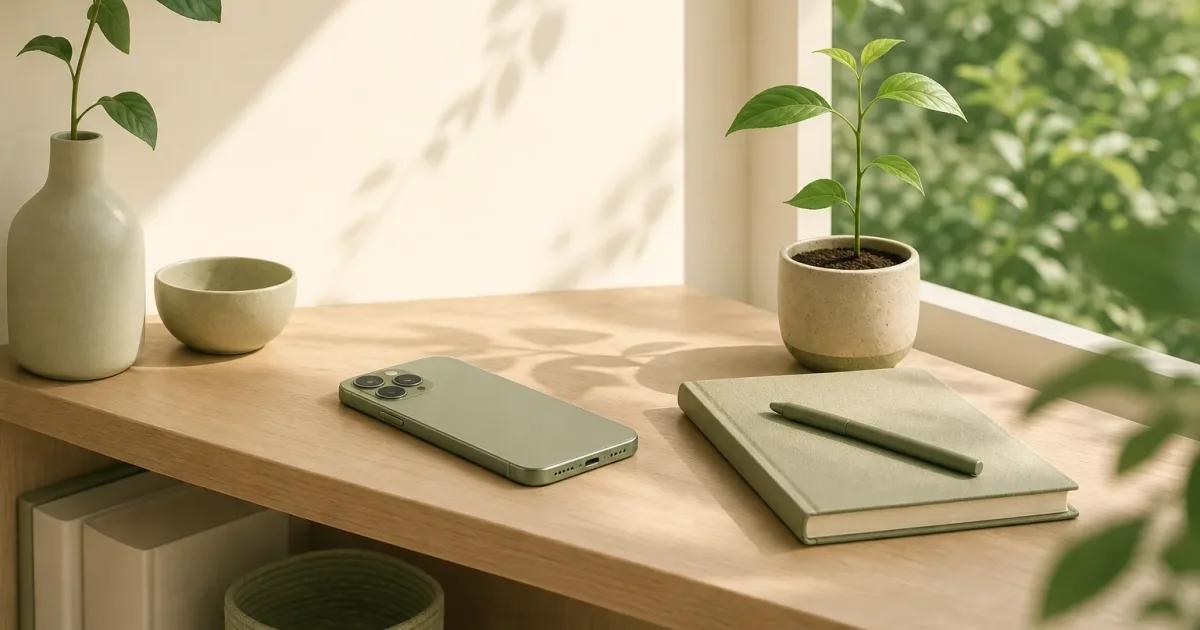
Yes, if you can, because another room creates a better boundary than a phone sitting face down beside your notebook.
In experiments by Ward and colleagues, participants whose phones were placed in another room performed better on measures of available cognitive capacity than participants whose phones were nearby, including when the nearby phone was out of sight. The paper does not prove that every person will study better in every setting, but it is a good reason to treat distance as more than a visual trick. Read the original study in the Journal of the Association for Consumer Research.
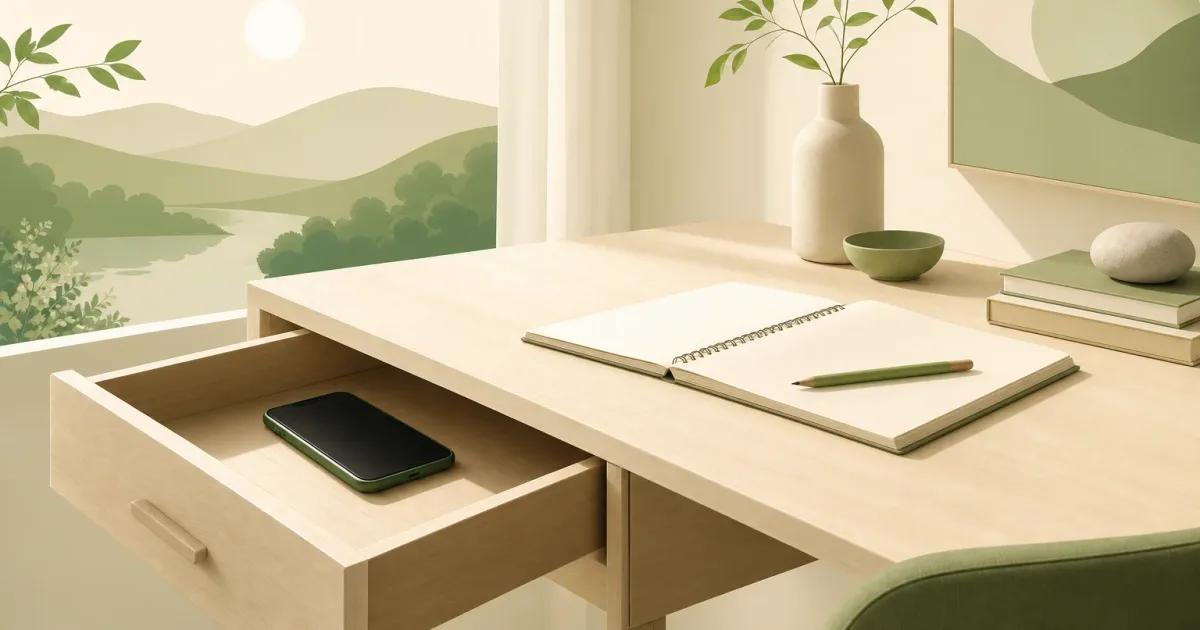
Put the phone somewhere that requires you to stand up and walk to it. A bag across the room is better than a pocket. A kitchen counter, hallway shelf, or desk outside your study space is better still, as long as you will hear an urgent call if you need to.
If you must keep it nearby, turn on the one thing you need before the block begins. That might be downloaded music, a class timer, a call from a caregiver, or an authentication app. Then remove the rest of the choices for the duration of the work.
For more ideas on creating distance without pretending your phone does not exist, read How to Focus When Your Phone Is in the Room.
What is the best way to structure a phone-free study block?
Choose the task, choose the end point, choose the allowed app, then start without revisiting the plan.
A study block works best when it has a shape. Start with a task that can be named in a sentence. Decide the end in advance, whether that is a timer ending, a set of questions completed, or a section reviewed. Then decide whether your phone is fully away or whether one app, such as music, stays available.
Be specific about the allowed app. “My phone is for studying” leaves room for a browser, messages, email, and every other tempting detour. “Music only, with a playlist chosen before I start” is a usable rule. If you need a browser for research, use it for the source you planned to read, then return to your notes before opening anything else.
Give breaks a job too. A break can mean filling a glass of water, stretching, looking out a window, or making tea. It should not automatically mean opening a feed, because then the break has no natural stopping point.
This is also why a focus timer that blocks apps can be more useful for studying than a general daily limit. The boundary matches the work you are doing right now, rather than trying to solve your entire relationship with your phone at once.
What can I do today without installing an app?
Use a paper timer and make your phone physically inconvenient to reach.
Write this on a piece of paper before your next study session: “I am working on [specific task]. I stop when [clear end point]. My phone stays [specific place]. The only phone app I may use is [app, or none]. When I want a break, I will [simple activity].” Fill in the blanks, set the paper timer, place the phone where you wrote, and begin the first small action.
This works because it removes decisions from the middle of the session. You do not have to keep asking whether you are allowed to check something. The answer is already on the paper. If you genuinely need the phone, get up, retrieve it, do the necessary thing, and put it back before returning to the task.
A paper timer is often better than an app when the phone itself is the cue you are trying to avoid. It has no notifications, no other tabs, and no invitation to adjust settings. Use it when your work can happen on paper or a computer without your phone nearby.
You can also make your phone less inviting outside study blocks by clearing unnecessary alerts and Home Screen cues. How to Make Your Phone Boring explains the practical version of that setup.
Which free tools can block my phone while I study?
Use the simplest tool that can hold the boundary you actually need, starting with no app at all.
For a fully phone-free block, a paper timer and another room are free and hard to misunderstand. This is the best choice when you do not need music, a class app, or an access code. It also works on any phone, without a setup project becoming another form of procrastination.
On iPhone, Screen Time can set schedules and app limits, including limits for individual apps. Apple also notes that you can choose which apps remain available during downtime. That can suit a recurring study period, especially if your allowed app stays the same from session to session. See Apple’s instructions for Screen Time schedules and app limits.
A dedicated blocker makes more sense when you need music, class tools, or your phone nearby, but want the distracting apps closed while you work. Look for a tool that lets you select the apps, set the exact study period, and leave the necessary app alone. If you repeatedly override a general daily limit, a session-based boundary may be a better fit.
A Focus timer keeps the apps you choose closed for the round you set, while emergency access still works. For a broader view of blockers and their differences, use the comparison index. For the choices behind these tools, including when a simple plan is enough, start with our screen-time guide.
Do not treat a blocker as a test of character. If you find a way around it, that is useful information: the boundary may be too broad, the allowed tools may be unclear, or the task may need a planned break. Adjust the setup and try the next block again.
How do I keep the habit going after one good study session?
Repeat the same setup often enough that starting becomes less of a debate.
Keep the location, phone spot, and first study action consistent when you can. You do not need a perfect ritual. You need a setup you can use on an ordinary weekday, when you are tired, behind, or not especially motivated.
Review the blocks that went badly without turning them into evidence that you cannot focus. Ask what happened just before you picked up the phone. Maybe the assignment was unclear. Maybe you needed to answer a message. Maybe your break had no end. Each answer points to a practical change for the next session.
If deleting social apps would make your study setup easier, that can be reasonable. If you still need them for work, school, or people you care about, blocking them during study time may be more realistic. Should You Delete Social Apps or Just Block Them? can help you choose between those boundaries.
Try Champ’s Focus timer when you are ready to download Champ.
Frequently asked questions
Should I turn my phone off while studying?
What if I need my phone for music while I study?
Is a paper timer better than a phone timer for studying?
Can iPhone Screen Time block apps during study time?
Sources
- Adrian F. Ward, Kristen Duke, Ayelet Gneezy, and Maarten W. Bos. (2017). Brain Drain: The Mere Presence of One’s Own Smartphone Reduces Available Cognitive Capacity. Journal of the Association for Consumer Research
- Apple. Set schedules with Screen Time on iPhone. Apple Support
Screen time guides and tools
One idea about screen time, every two weeks.
The Pause: a short note from the person who builds Champ. Occasional, not daily. Unsubscribe any time.