
Screen time, minus the shame
You didn't decide to open it.
Your thumb did.
A 30-second reset before the scroll. Finish it, and a flower opens in your garden.

Scan with your iPhone camera
champ.plus/go/pause- Free to download
- iPhone and iPad
- Your app choices stay on your phone



Tap an app to try it.One reset grew this tulip. One more grows a sunflower.
Finish a reset, and a flower opens in your garden.
The loop
The problem isn't willpower. It's that the decision never happens.
Doomscrolling starts before the thought does, and a weekly report lands days too late to change it. So Champ steps in at the reach.
The reset
Catch the reach. Take thirty seconds. Watch it grow.
Champ is a gamified screen time app: the shield catches the open, the reset fills the gap, and the garden counts what you chose.
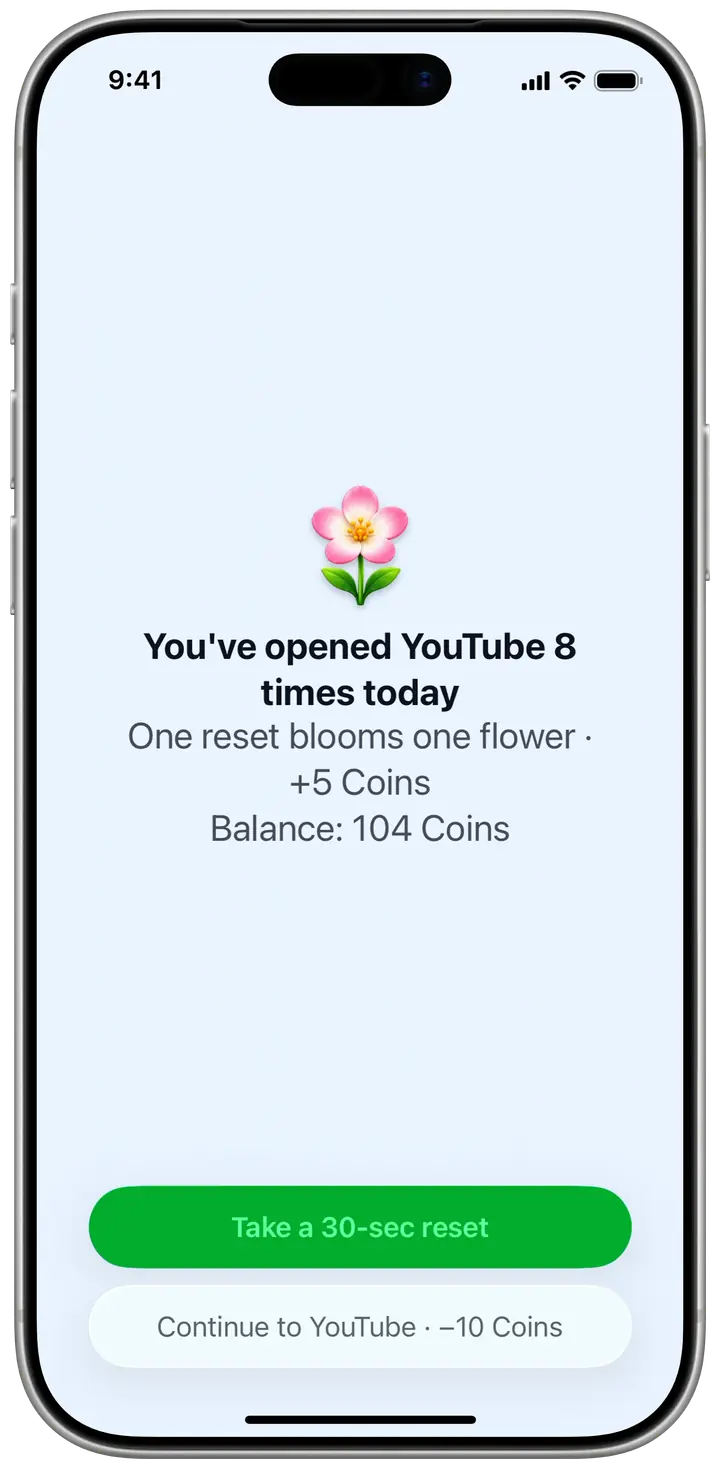
Open an app you guard, and Champ’s shield catches the reach. 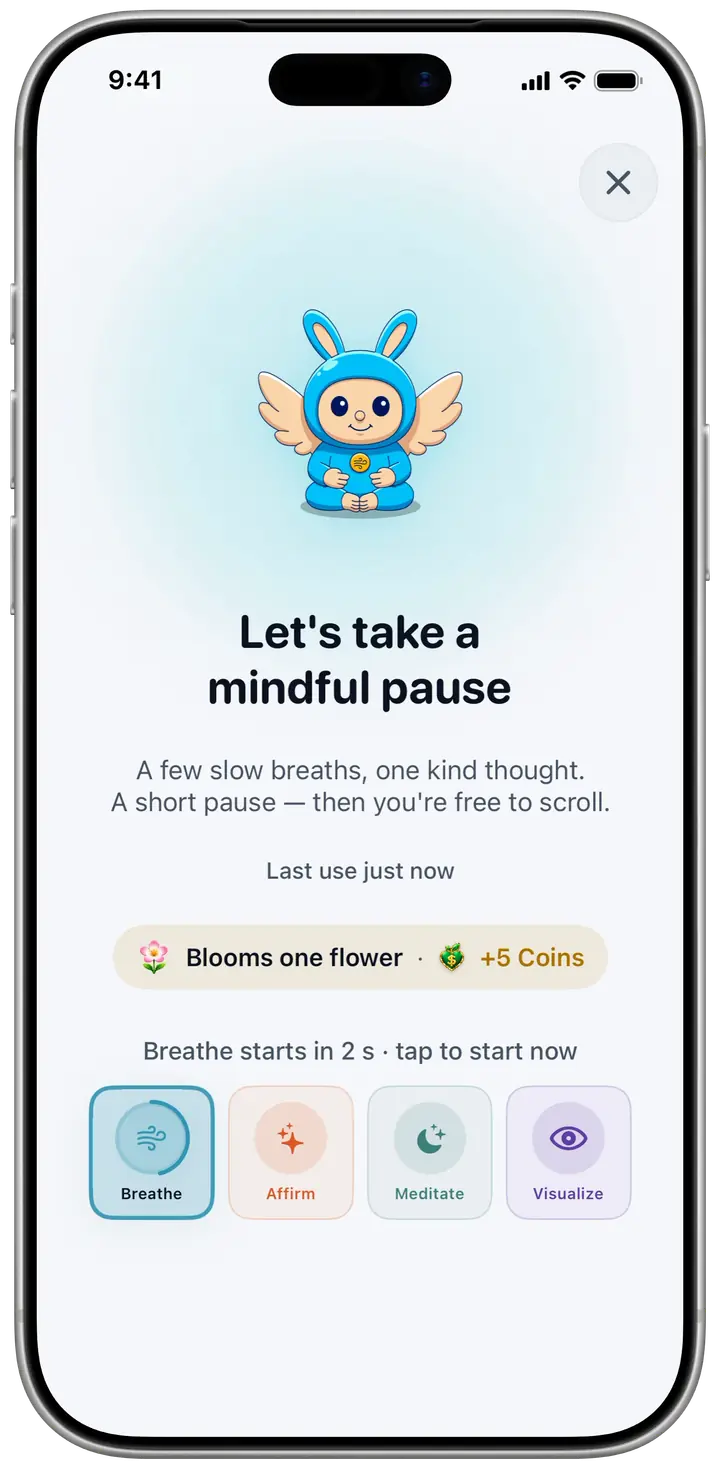
Take a thirty-second reset instead of the feed. 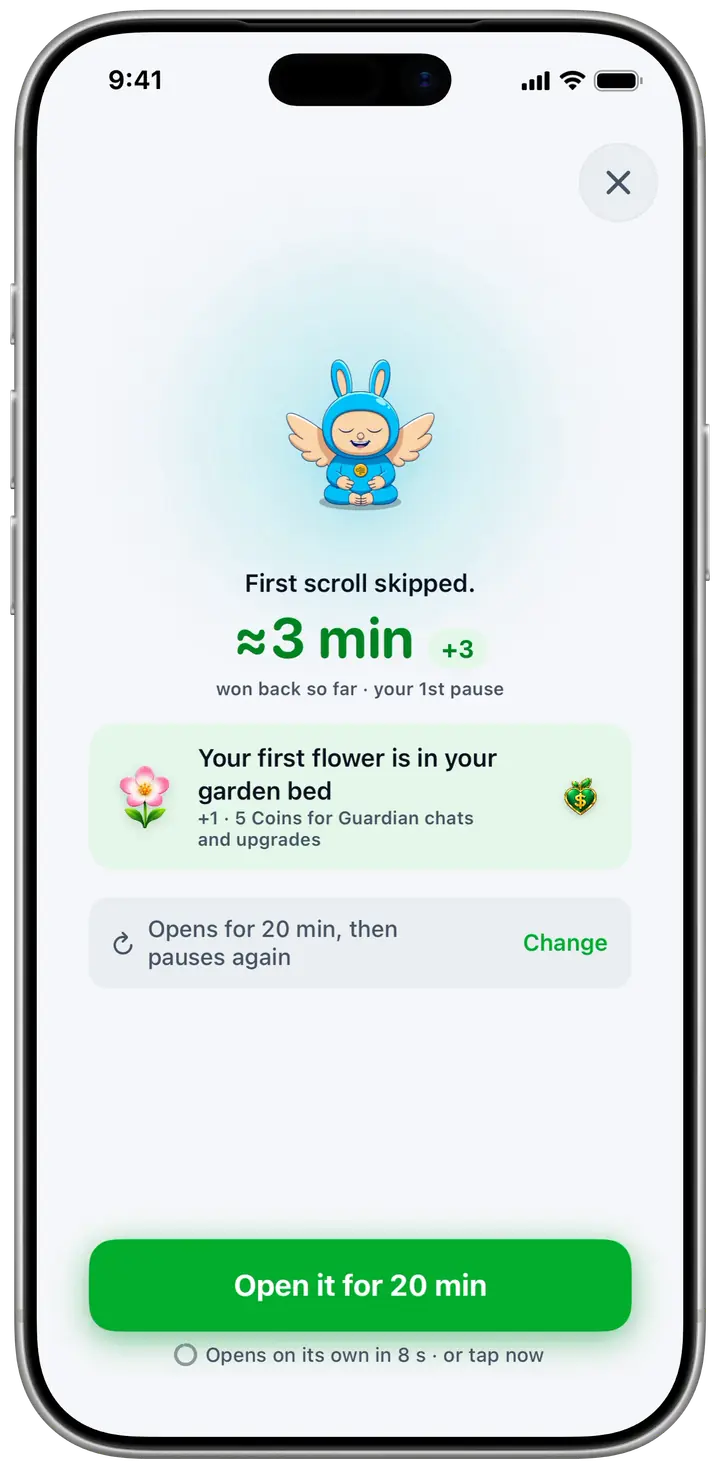
Finish it, and a flower opens in your garden.


In a hurry? Skip the reset for 10 Coins, which you earn from resets.
- Step 01
Champ catches the reach
Pick the apps you want to use less. When you open one, iOS hands control to Champ and you get a shield instead of the feed.
Built on Apple’s Screen Time framework, the same system Apple’s own Downtime uses.
How the shield works - Step 02
You take a 30-second reset
One paced breath cycle, one affirmation, one short meditation, or one look at your vision board. Thirty seconds, then you decide whether to continue.
What a reset is - Step 03
Your garden grows
Every reset you complete opens a flower in your garden. Twenty-one days of daily self-care grows the tree and plants it there for good.
About the garden
App blocker
Take control of your apps
Put every app where it belongs: Always open, Guarded or Locked. Essentials stay open, Guarded apps ask for a 30-second reset first, and Locked is for the apps you’re quitting.
Always open
Essentials
Guarded
Reset first
Locked
Apps you’re quitting


Rules
Rules that run on their own
A rule is your apps plus a time, and it always blocks. Start from Wind Down or School hours, set a daily limit or a cap on opens, and Strict keeps the rule locked while it’s on.


Focus timer
Start a round. Your apps rest.
Pick a length and start from the Guard tab. The apps you choose stay closed until the round ends, with the clock on your Lock Screen and breaks if you want them.


Your garden
A garden that only ever grows
Every reset you finish opens a flower, and flowers are never taken back. Finish a day’s self-care and your tree grows a stage, from a seed on day one to fruit on day 21.
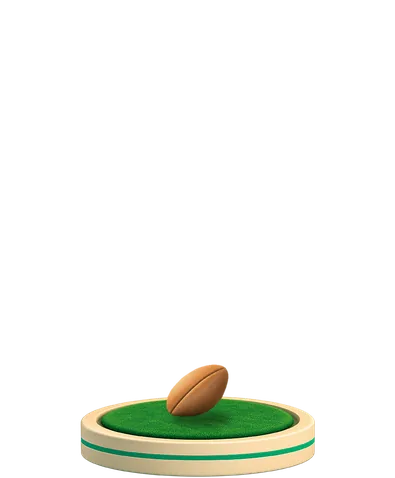
Seed 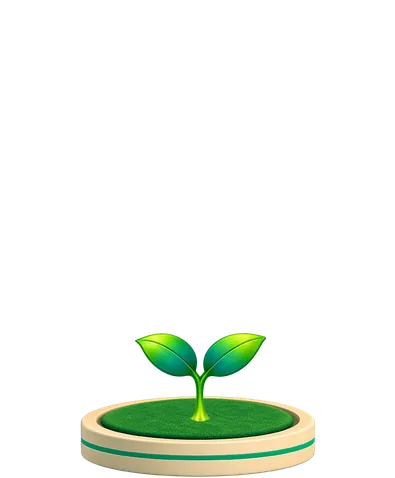
Day 1 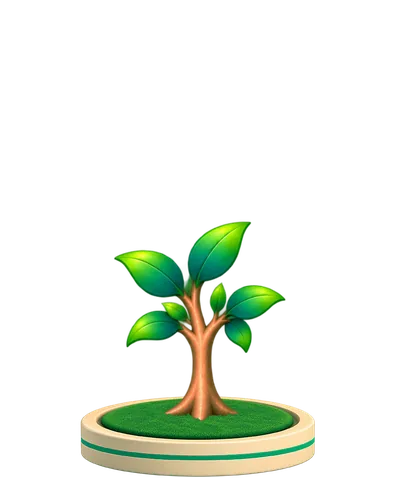
Day 3 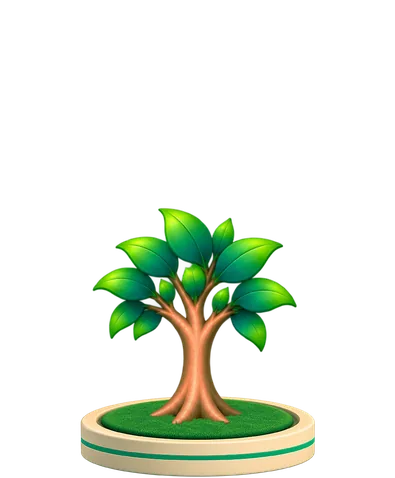
Day 5 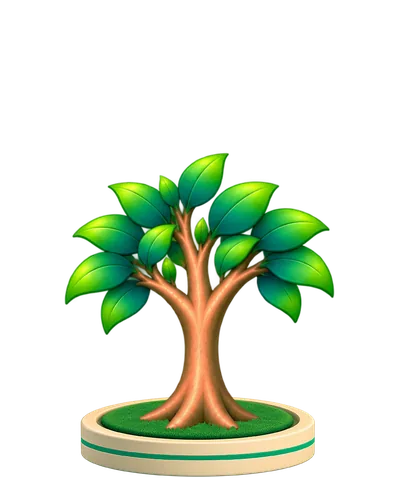
Day 8 
Day 12 
Day 16 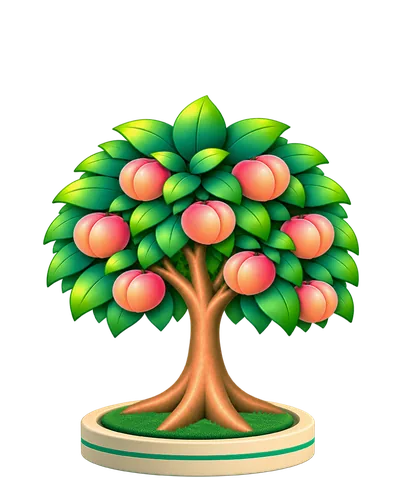
Day 21


Self-care
Today's care grows the tree
Pick a 21-day challenge, like Calm Mind or Self-Love, and each day brings a few short cards. Meditate, read, affirm or breathe, and the tree grows a stage when they’re done.


Practice
Something better to do with the moment
Six practices live in Champ, each with a Guardian of its own. Five of them can be your 30-second reset, and all six go deeper when you have time.


Meditation timer
Put the phone down. The bell brings you back.
Sit is a silent timer. Pick a length, set the phone face down, and one bell starts and ends your sit, with soft rain underneath if you like.


Habit tracker
Your own habits, in the same garden
Add the habits you want to keep, each with a part of the day and an optional reminder. Check them off in the garden, or ask your Guardian to mark one done.


Guardians
Talk it through with your Guardian
There are six Guardians, one for each practice, and each one chats. Tell Serenity you can’t switch off, and she’ll find a meditation that fits.

Usually I download apps like this, use them for 2 or 3 days, then forget about them. I'm still using this one.
Your per-app usage stays on your phone
Apple’s Screen Time framework hands Champ opaque tokens rather than app names, and the list of apps you guard and your per-app usage never leave your device. Champ’s analytics receive only aggregate events, such as how many apps you guard and that a reset was completed, never an app name; the privacy policy (§4.9) lists every one.
Want the reasoning instead of the pitch? Read the digital wellbeing guide. It works whether or not you ever install the app.
Champ at a glance
Show the factsHide the facts
- Name
- Champ: Screen Time & Self-Care
- What it does
- Guards the apps you pick through Apple’s Screen Time API. A Guarded app offers a 30-second reset (a breath, an affirmation, a short meditation, or your vision board) before you decide whether to open it. Rules and a Focus timer keep apps closed when you want a firmer line.
- Game layer
- Every reset you finish opens a flower in your garden, and a day with two resets opens a sunflower. Finish all of a day’s self-care cards and the tree grows a stage, across a 21-day challenge. Nothing ever withers. Six collectible Guardians, one per practice: you choose one in onboarding and unlock the rest with coins. Each reaches a new tier at 25, 100 and 300 held shields and is never demoted.
- Strict mode
- A Guarded app opens after the 30-second reset, or right away for a few Coins. Locked apps and running Rules don’t offer a reset, and Strict means you can’t turn a rule off or change it while it’s on. A Focus round keeps the apps you pick closed until it ends. Emergency access still works.
- Platform
- iPhone and iPad, iOS 18.0 or later. No Android or Mac app.
- Price model
- Free to download, and the screen-time side is free to use: shield any apps you choose, take the 30-second reset, set Rules with Strict, and run Focus rounds. Champ Pro adds most of the library, plus Time Back’s month and year views. Current Pro prices are on the App Store.
- Privacy
- Apple’s Screen Time framework hands Champ opaque tokens rather than app names, and the list of apps you guard and your per-app usage never leave your device. Champ’s analytics receive only aggregate events, such as how many apps you guard and that a reset was completed, never an app name; the privacy policy (§4.9) lists every one.
- Often compared with
- one sec, ScreenZen, Opal and Forest. See how they differ
Start here
- How to reduce screen time on iPhone: Sensible limits, fewer Home Screen cues and a schedule, without deleting everything.
- Why doomscrolling is so hard to stop: Unpredictable rewards and an automatic reach start the loop before willpower shows up.
- Best app blocker for iPhone: Apple’s free Screen Time tools and the third-party apps, sorted by how each one blocks.
- Compare screen time apps: How each app blocks, what fills the pause and whether you can skip it.
- Screen time app for iPhone: How Champ steps in before an app opens, and when another app suits you better.
- Screen time calculator: Your daily average over 1, 5 and 10 years. The math runs in your browser.
FAQ
Questions people actually ask
How does Champ reduce screen time?
Is Champ free?
Can I get past the block if I really need the app?
Does Champ see which apps I use?
How is this different from iPhone Screen Time limits?
What devices does Champ work on?
How long does a mindful reset take?
Will Champ make me feel bad about my screen time?
Try it on the next thing you reach for
Pick the apps you open without thinking and plant your first seed. The next time your thumb wanders, the reset is there.
iPhone and iPad, iOS 18 or later.
On Android?
Champ is iPhone-only right now. The app depends on Apple's Screen Time framework, which has no direct Android equivalent. Leave your email and we'll write once, if that changes.