
The idea
Pick the apps that eat your day; open one and a Screen Time shield stands in the way. After the first open it leads with the count, and offers a short breathing reset. Take it and a flower opens in the bed at your tree's foot. One flower for every reset; a sunflower on any day you take two. Hold twenty-five shields, then a hundred, then three hundred, and your guardians evolve.
Flowers, once open, and tiers are earned only by acts Champ witnessed, and never taken back. There is no guilt copy in Champ. Four Screen Time extensions do the work; the on-device report is sealed. Its per-app breakdown is drawn for you, never handed back.
Champ at a glance
- Name
- Champ: Screen Time & Self-Care
- What it does
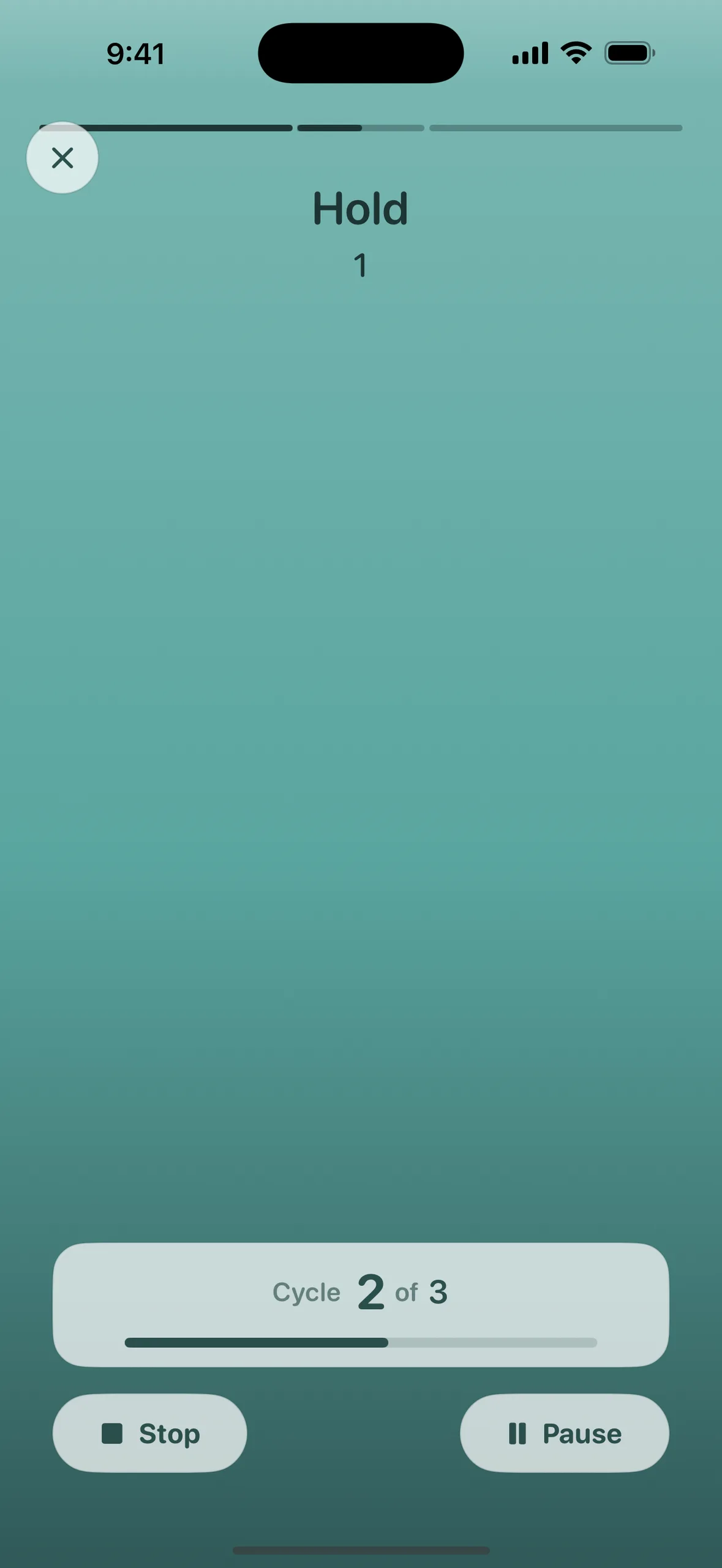
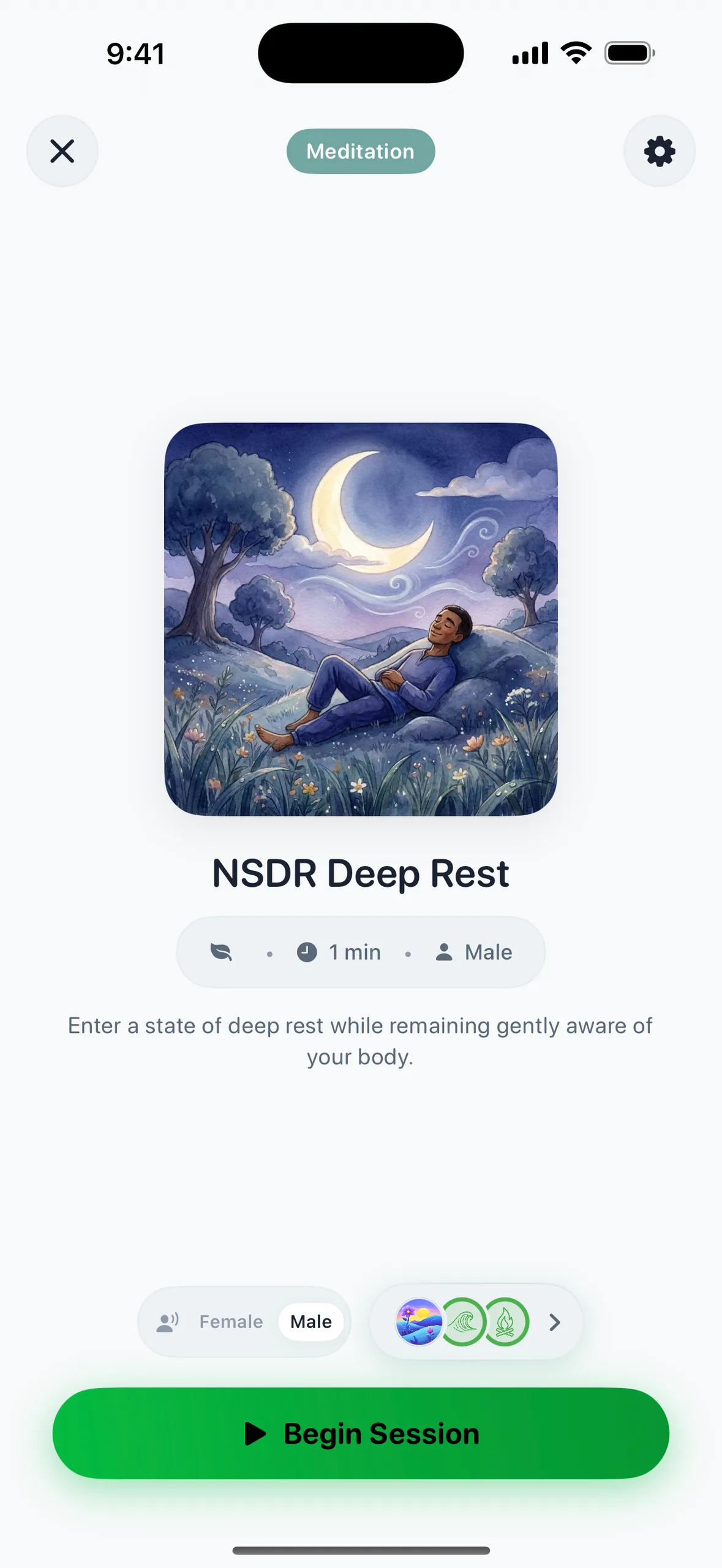
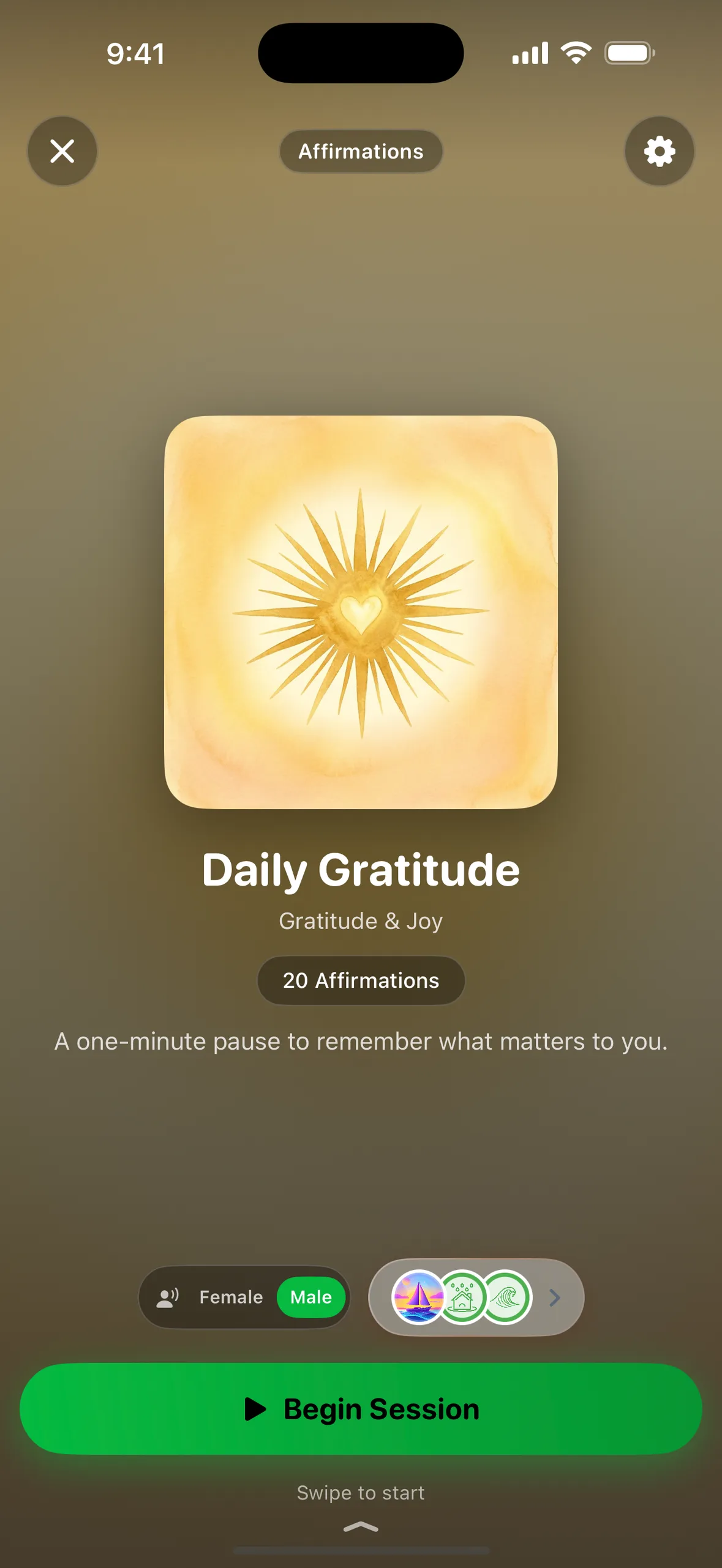
- Guards the apps you pick through Apple’s Screen Time API. A Guarded app offers a 30-second reset (a breath, an affirmation, a short meditation, or your vision board) before you decide whether to open it. Rules and a Focus timer keep apps closed when you want a firmer line.
- Game layer
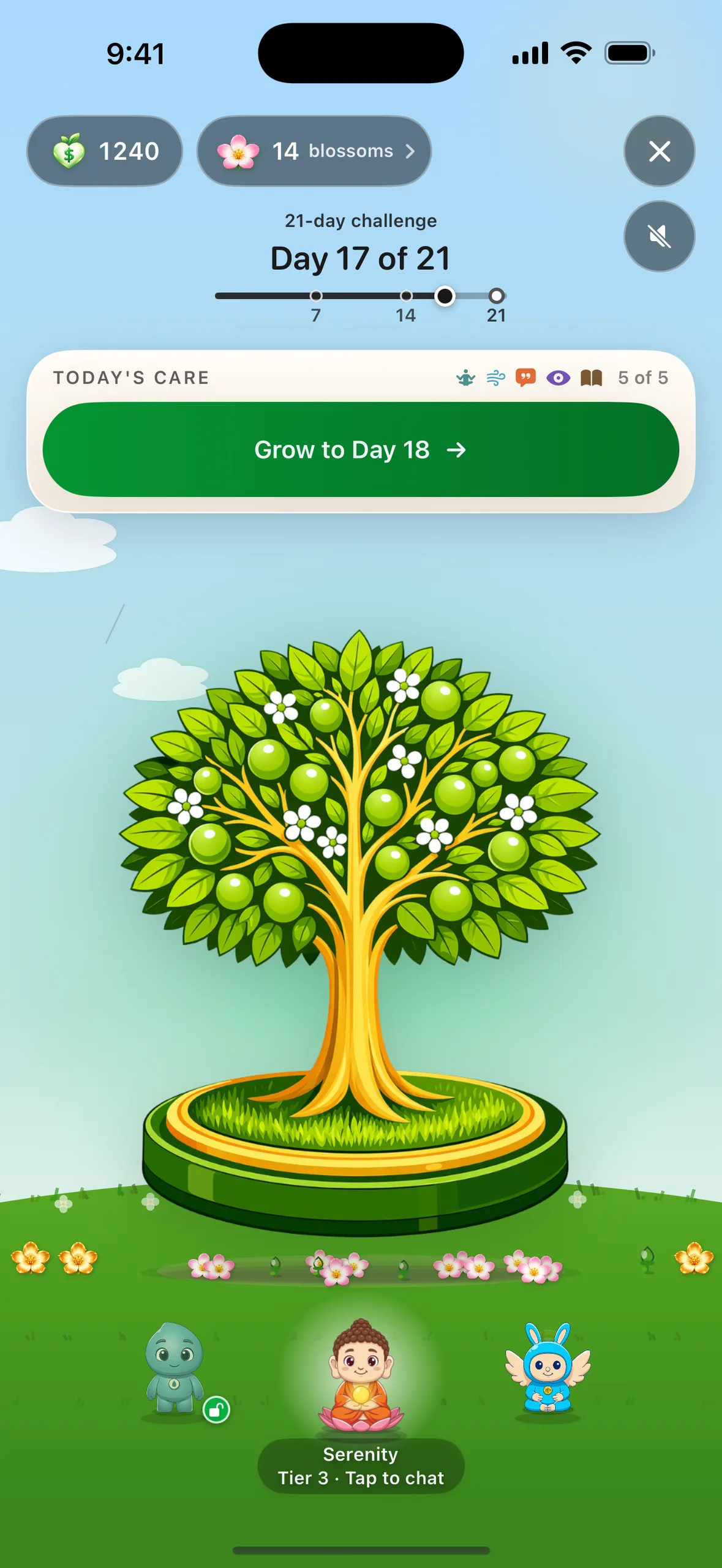
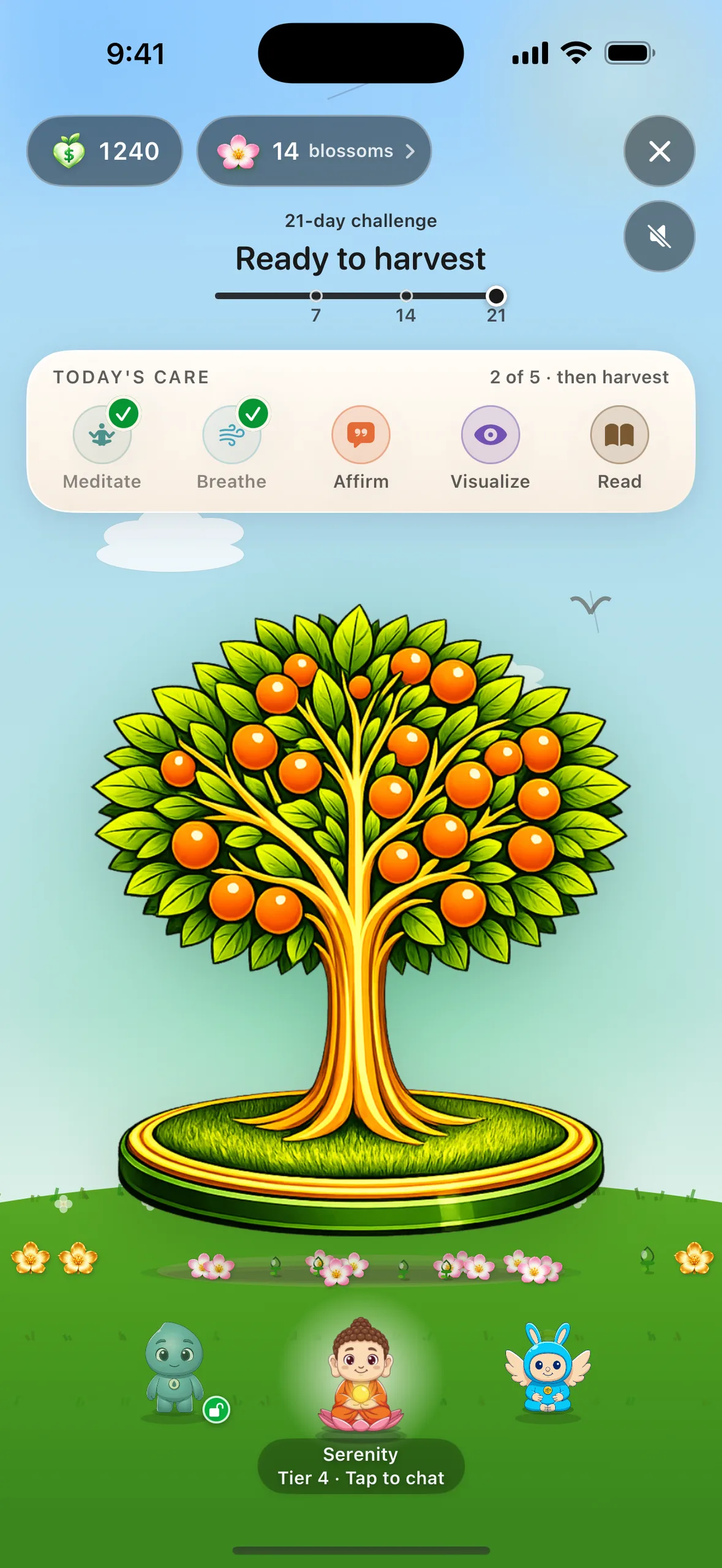
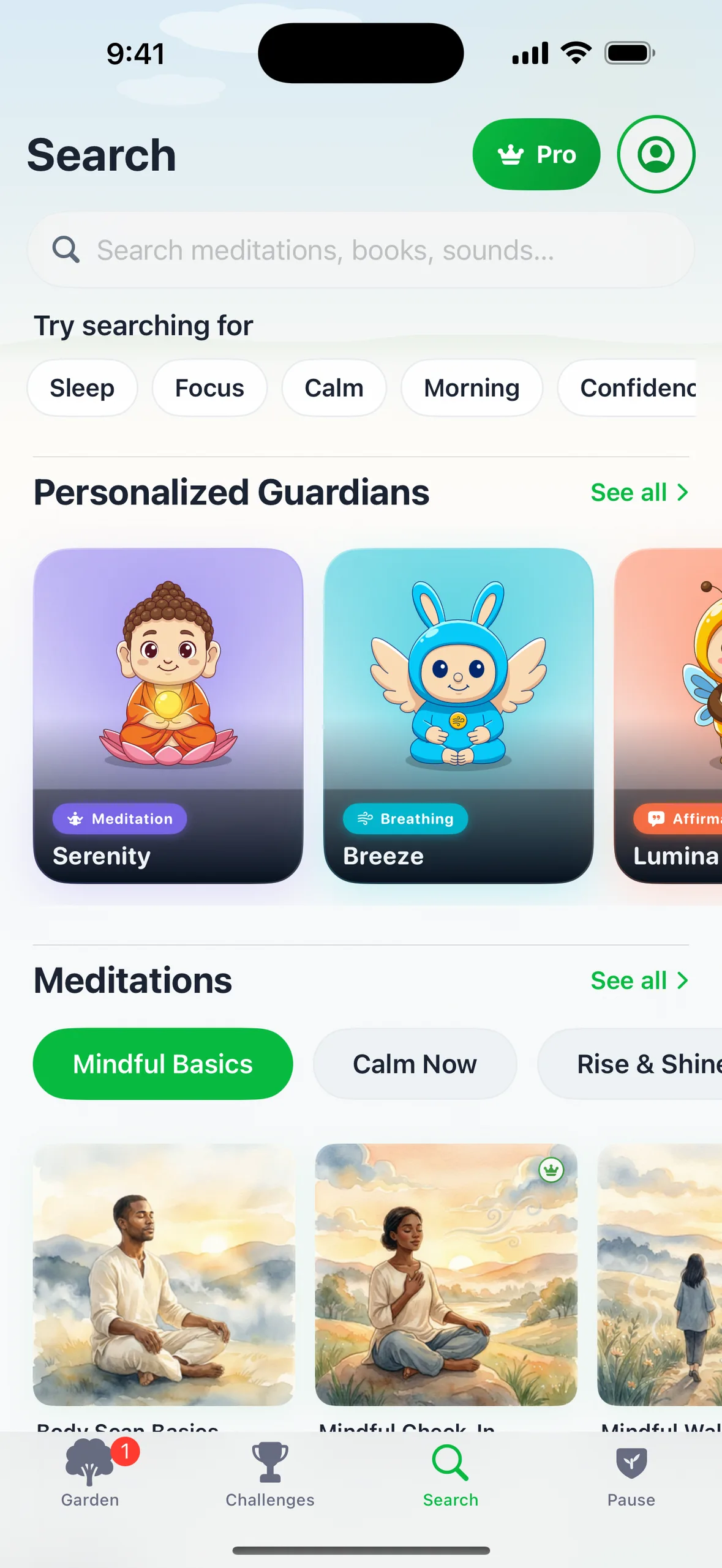
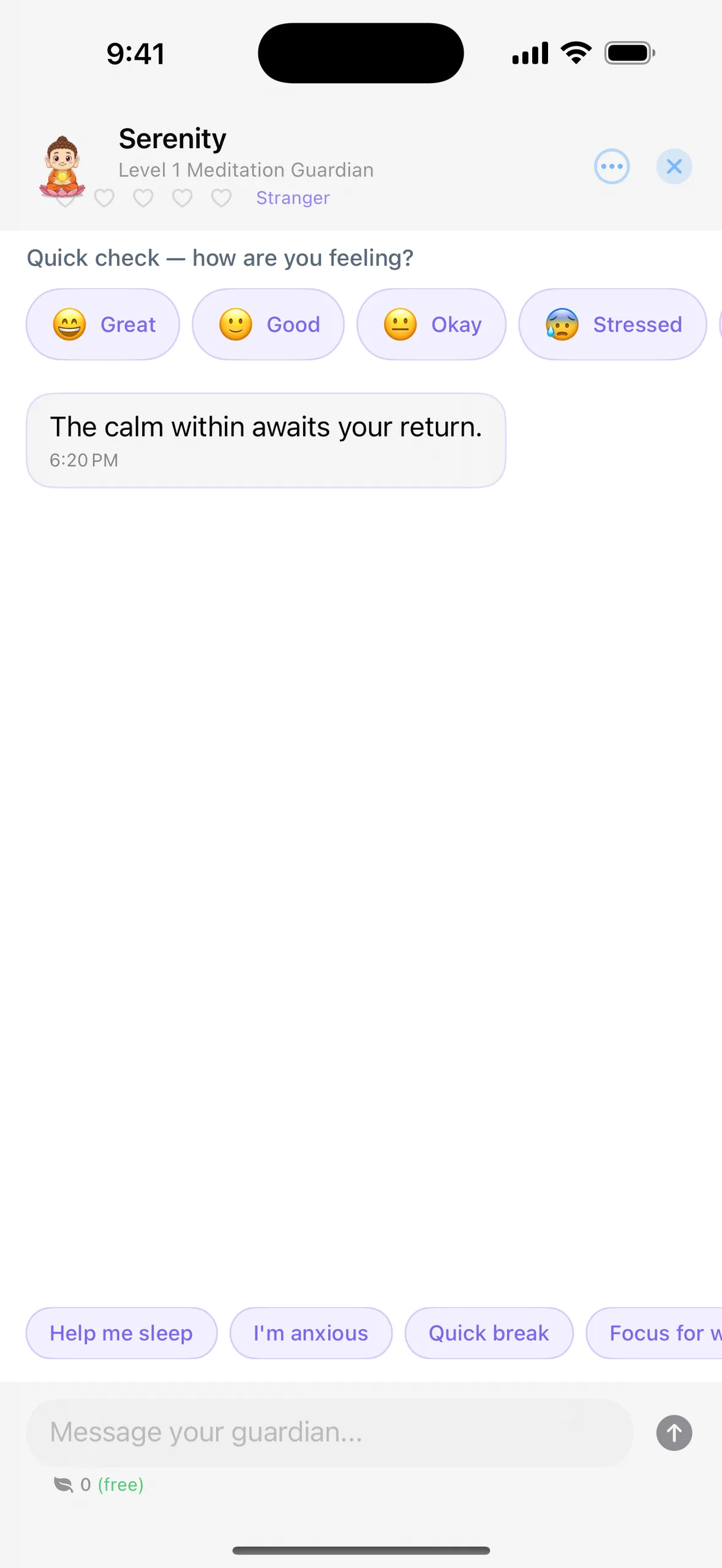
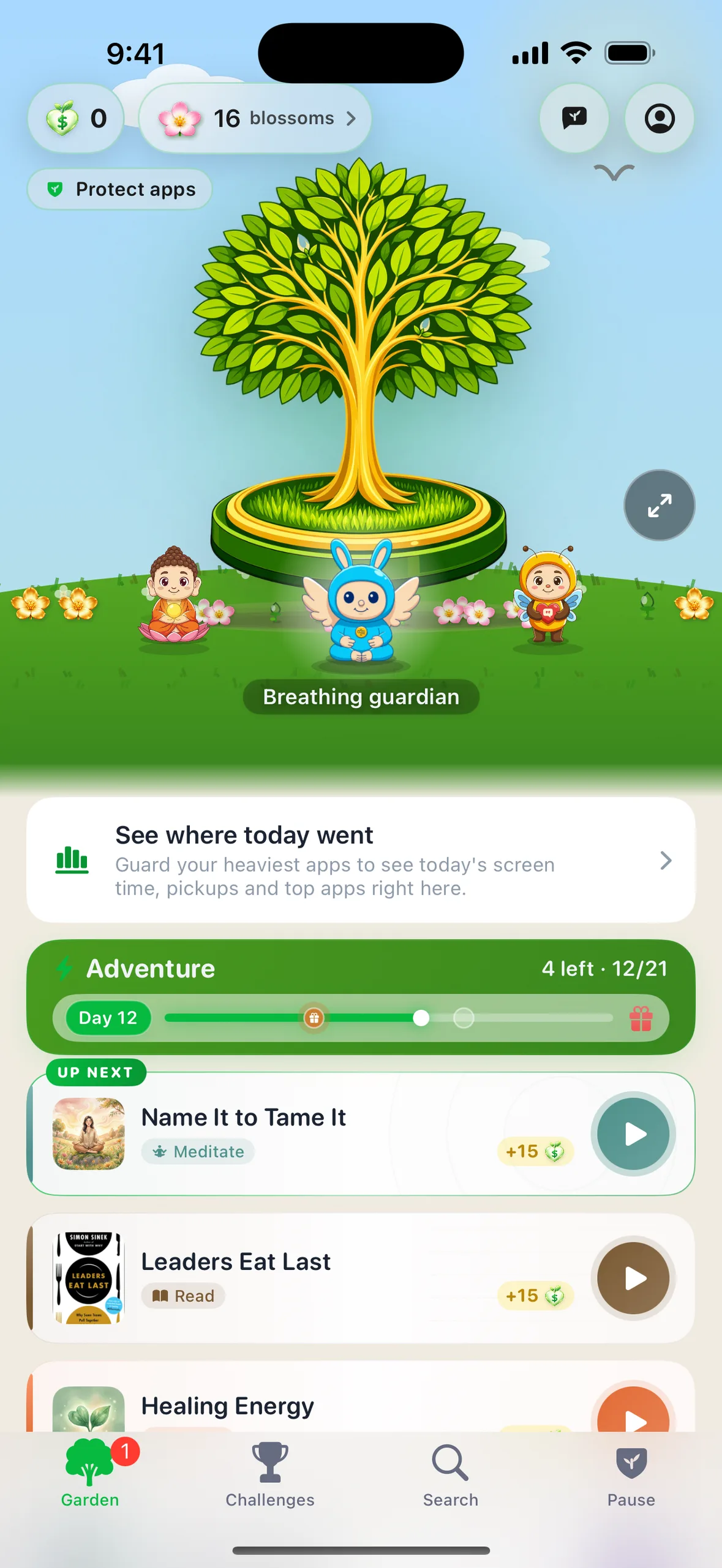
- Every reset you finish opens a flower in your garden, and a day with two resets opens a sunflower. Finish all of a day’s self-care cards and the tree grows a stage, across a 21-day challenge. Nothing ever withers. Six collectible Guardians, one per practice: you choose one in onboarding and unlock the rest with coins. Each reaches a new tier at 25, 100 and 300 held shields and is never demoted.
- Strict mode
- A Guarded app opens after the 30-second reset, or right away for a few Coins. Locked apps and running Rules don’t offer a reset, and Strict means you can’t turn a rule off or change it while it’s on. A Focus round keeps the apps you pick closed until it ends. Emergency access still works.
- Platform
- iPhone and iPad, iOS 18.0 or later. No Android or Mac app.
- Price model
- Free to download, and the screen-time side is free to use: shield any apps you choose, take the 30-second reset, set Rules with Strict, and run Focus rounds. Your shield and garden stay free. Champ Pro adds most of the library, plus Time Back’s month and year views. Current Pro prices are on the App Store.
- Privacy
- Apple’s Screen Time framework hands Champ opaque tokens rather than app names, and the list of apps you guard and your per-app usage never leave your device. Champ’s analytics receive only aggregate events, such as how many apps you guard and that a reset was completed, never an app name. The privacy policy lists every one.
- Often compared with
- one sec, ScreenZen, Opal and Forest. See how they differ
Last checked , against the App Store listing and the app. If a fact here is out of date, tell us and we'll fix it.
More for writers
- Category
- Health & Fitness
- Languages
- The app’s interface is in English, Dutch, French, German, Italian, Japanese, Korean and Spanish; still in English whatever your device language: the Screen Time shield and its notifications, the home-screen widgets, all voice audio, and library text such as book lessons and affirmations.
- Developer
- One-person studio, Singapore, since November 2024
- Screen Time API
- 4 extensions: shield UI, shield action, activity monitor, activity report
- Widgets
- Home Screen and Lock Screen
- Guardians
- Six collectible Guardians, one per practice: you choose one in onboarding and unlock the rest with coins. Each reaches a new tier at 25, 100 and 300 held shields and is never demoted.
- Siri & Control Center
- From version 6: "Start a reset" as an App Shortcut and a Control Center control
- Accessibility
- VoiceOver reads the shield count; decorative motion stops under Reduce Motion
Screenshots
Captured from version 6 on an iPhone 16 Pro Max. Price-free: no trial length or price appears in any of these. The garden frames show the two flower kinds that matter: pink flowers open from resets, gold sunflowers on any day with two resets, and every guardian stands on the ring.
Garden progression
The same tree on days 1, 7, 14 and 21 of a plan. It never wilts. It only grows.




Press kit
Icon, all eight screenshots, the four garden-progression images, and this page's facts and copy in one download.
Download press kit (.zip)Contact
For interviews, review units, or anything else: hello@champ.plus.
App Store listing: https://apps.apple.com/us/app/champ-screen-time-self-care/id6743045937. More on the person behind the app on the About page, and what changed in each version on the changelog.

Free · iPhone and iPad · iOS 18 or later