
A vision board you see more than once
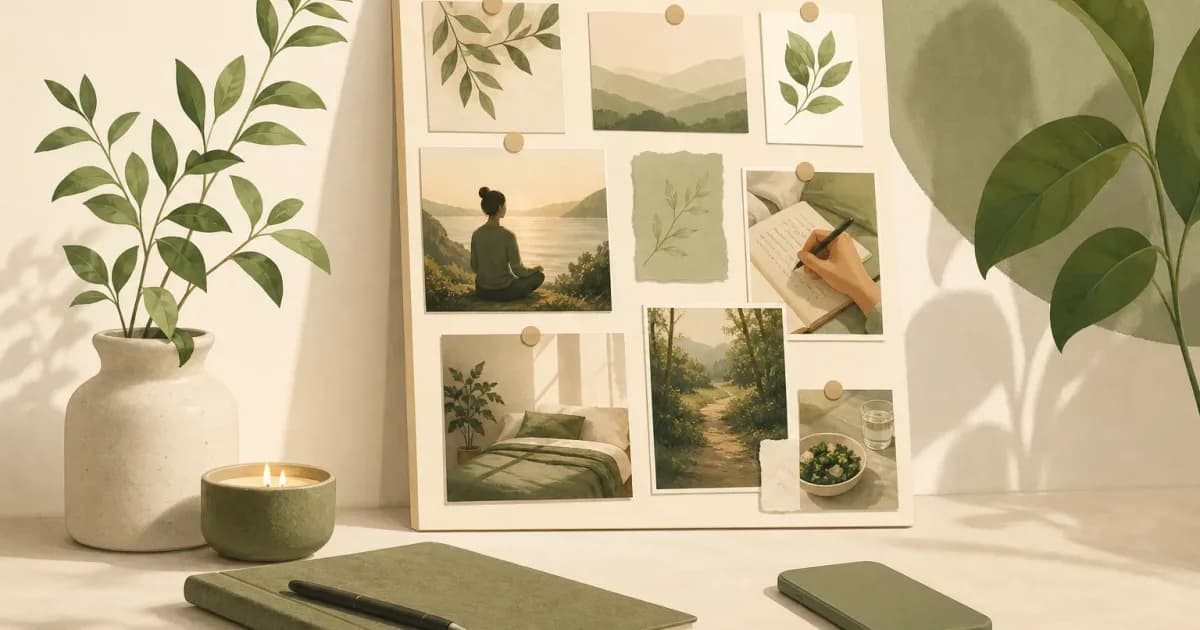
The failure mode of vision boards is that they get made in January and never looked at again. Champ’s is wired into the reset, so it shows up on ordinary days rather than aspirational ones.
Four layouts, your own goal
Focus, Classic, Gallery and Wall: one large scene with two to five smaller prints around it. Start from your own goal or from one of six sample boards, from financial freedom to a first marathon. There is a widget too, so it can sit on the home screen you already look at.
Champ is free on iPhone and iPad: shield any apps you choose, thirty-second resets, no card needed.

Questions about vision board
Can I use my own photos?
How is this different from a Pinterest board?
Reviewed against the version of Champ on the App Store. If something here no longer matches the app, tell us and it gets fixed.
Read more
Related
Affirmations
Champ’s affirmations are grouped by theme, from calm mind to money and family, and swipe like a feed: the same motion, pointed somewhere better.
The 30-second reset
When Champ intercepts an app it offers a short reset: breathing, affirmations, meditation, visualization or a glass of water, over before the urge is.